 Get B2B
Pricing
Get B2B
Pricing

PoE Switch Buying Guide for SMEs in the UAE (2025): Ports, Power Budgets & Real-World Setups
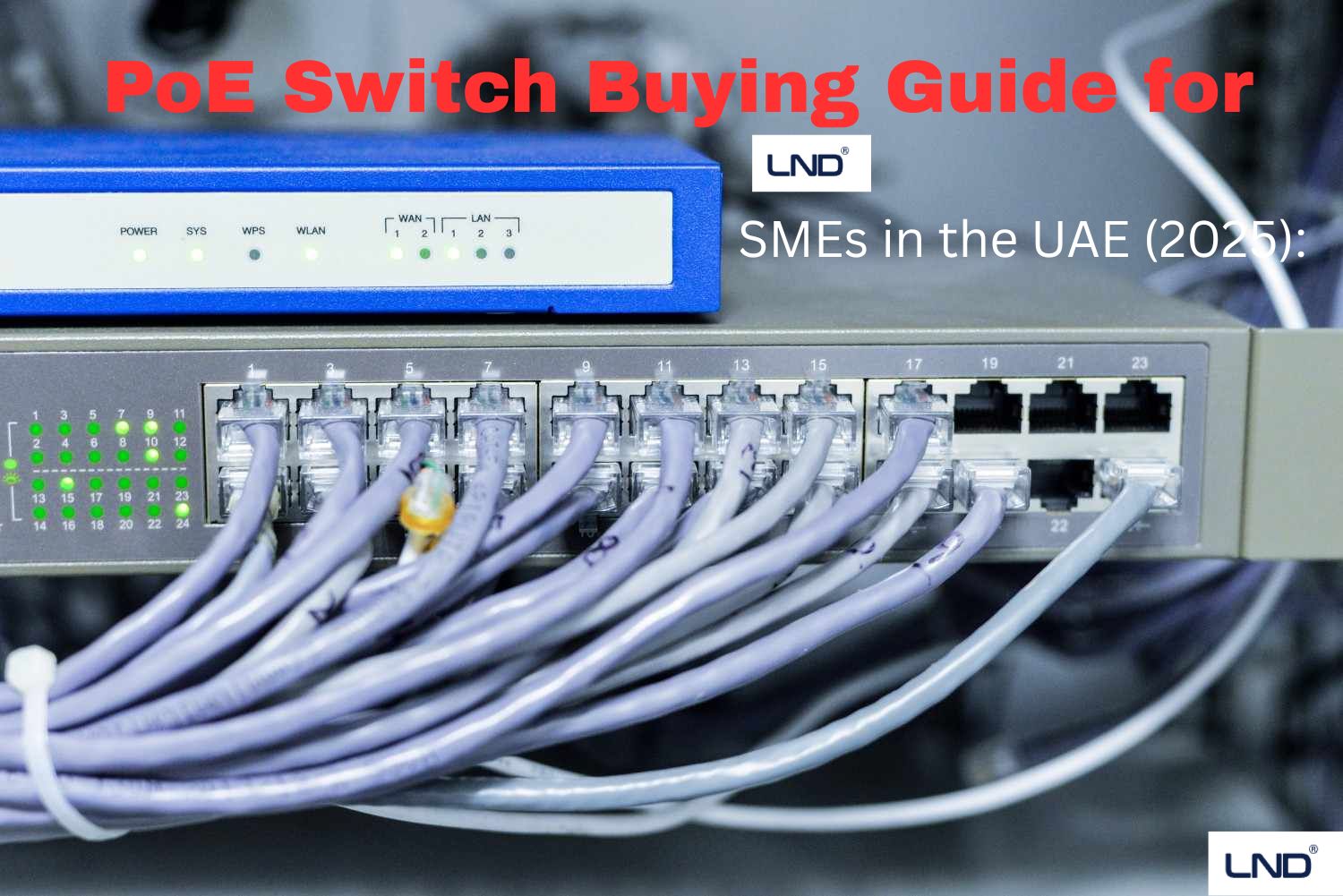
PoE Switch Buying Guide for SMEs in the UAE (2025): Ports, Power Budgets & Real-World Setups
Introduction
For many SMEs in the UAE, powering network devices such as IP cameras, VoIP phones, wireless access points and IoT sensors has become a key infrastructure requirement. Thanks to Power-over-Ethernet (PoE), you can deliver both data and power via a single cable, reducing cabling cost and simplifying installation. But not all PoE switches are created equal — selecting the wrong switch can lead to under-powered devices, network bottlenecks or excessive upfront cost.
In this guide, tailored for UAE SMEs (Dubai, Abu Dhabi, Sharjah and beyond), we’ll walk you through the essential factors to check when buying a PoE switch in 2025: port speeds and counts, power budgets and standards, real-world deployment setups, and key local considerations. At the end we’ll also show how [Your Company/YourBrand] can help you select, configure and deploy the right PoE infrastructure.
CTA: Need help designing your PoE network for your office in Dubai or Abu Dhabi? Contact us today for a quotation and deployment plan.
Why PoE Matters for SMEs in the UAE
-
Simplified cabling and power: no need for wall adapters or dedicated power outlets at each device.
-
Scalability: as SMEs extend WiFi zones, add IP cameras, deploy smart-office features, PoE gives flexibility.
-
Cost-effectiveness: fewer power outlets, less civil work, easier maintenance in UAE offices or multi-unit floors.
-
Future-ready: Modern PoE standards support high-power devices (PTZ cameras, LED displays, etc).
With the UAE’s competitive real-estate costs, minimizing infrastructure overhead gives you a tangible operational advantage.
Key Specifications to Check Before You Buy
2.1 Port count & uplinks
-
How many devices will you need to connect? (IP cameras, APs, phones). Suppose you have 10 IP cameras + 4 APs + 8 phones → you’ll need at least 22 PoE ports plus perhaps a few spare for expansion.
-
Uplink ports matter: Many switches have dedicated SFP / multi-gig uplinks to the core network. A cheap switch with only 1 Gb uplink may become a bottleneck.
-
For SMEs, managed vs unmanaged: A managed PoE switch gives you VLANs, QoS, port-monitoring, but unmanaged is cheaper. Choose based on your IT skillset or outsource support.
2.2 Data speed (port speeds and uplinks)
-
If you’re connecting high-definition PTZ cameras (4K @ 30fps) or streaming across floors, you’ll likely need Gigabit (1 Gbps) ports rather than legacy 100 Mbps.
-
Uplink speed must match cumulative throughput of all devices. In multilink setups consider 2.5G/10G uplinks.
2.3 PoE standards and power budget
-
PoE standards:
-
IEEE 802.3af (PoE): up to ~15.4 W per port.
-
IEEE 802.3at (PoE+): up to ~30 W per port.
-
IEEE 802.3bt (PoE++ / Type 3/4): up to ~60–100 W+ per port – for large PTZ cameras, LED panels, high-power APs.
-
-
Power budget: This is the total wattage the switch can supply across all PoE ports. For example, if you have 24 ports rated at 30 W each but only 370 W budget, you can’t power all at full 30 W simultaneously.
-
Rule of thumb:
-
List all devices with their consumption (e.g., camera 8 W, AP 12 W).
-
Allow ~20% overhead.
-
Choose a switch with a budget higher than that.
-
2.4 Management & advanced features
-
For SMEs with some IT support: features like port-mirroring, VLAN support, Link Aggregation, QoS, SNMP monitoring help manage network health.
-
For simple plug-and-play deployments: an unmanaged PoE switch may suffice and cost less.
2.5 Reliability, warranty & local support
-
UAE environment: dust, heat, high usage hours. Choose a switch from a trusted brand with local distributor/support.
-
Fanless or quiet models if unit is in open office.
-
Warranty and support are key especially in rental/serviced-office setups.
2.6 Cabling & mounting considerations
-
The length of cable run affects power delivery: keep PoE cable runs under 100 m for Cat-5e/6. Longer runs may cause voltage drop.
-
Mounting: desk vs rack vs wall-mount – ensure switch supports required placement and cooling.
2.7 Future-proofing
-
Choose switches with spare ports and uplinks to handle expansion (new APs, cameras, IoT).
-
Consider multi-gig ports, SFP uplinks, stacking capability.
Real-World SME Setup Examples in the UAE
Here are three typical SME scenarios in UAE offices and how to size a PoE switch accordingly:
Scenario A – Small Office (10–15 users, 6 APs, 8 IP cameras, 12 VoIP phones)
-
Devices: 8 cameras (~10 W each = 80 W), 6 APs (~12 W each =72 W), 12 phones (~6 W each =72 W).
-
Total ~224 W. Add 20% overhead = ~270 W.
-
Choose a 24-port PoE+/PoE++ switch with budget of ~370–400 W.
-
Uplink: 1 Gb SFP to core.
-
Ports: Enough PoE ports for devices + spare 4-6 ports.
Recommendation: A managed 24-port PoE+ switch with ~370W budget.
Scenario B – Medium Office / Co-Working (30 users, 12 APs, 16 cameras, 20 VoIP phones)
-
Devices: 16 cameras (~10W each=160W), 12 APs (~12W each=144W), 20 phones (~6W each=120W) → total ~424W. Overhead → ~510W.
-
Choose 48-port PoE++ switch with budget ~700W and 10G uplink (to handle aggregated traffic).
Scenario C – Hybrid Classrooms or Smart-Office with High-Power Devices (LED displays, 4K PTZ cameras)
-
High-power PTZ cameras (~20-30W+ each), LED displays (~40-60W).
-
You may need 802.3bt Type 3/4 support and budget >1000W.
-
Choose switch with 60W+ per port rating, multi-gig uplinks, stacking for scale.
Local tip: In Dubai/Abu Dhabi high rental/fit-out costs mean you may want a single robust switch that supports growth, rather than multiple cheap ones.