 Get B2B
Pricing
Get B2B
Pricing



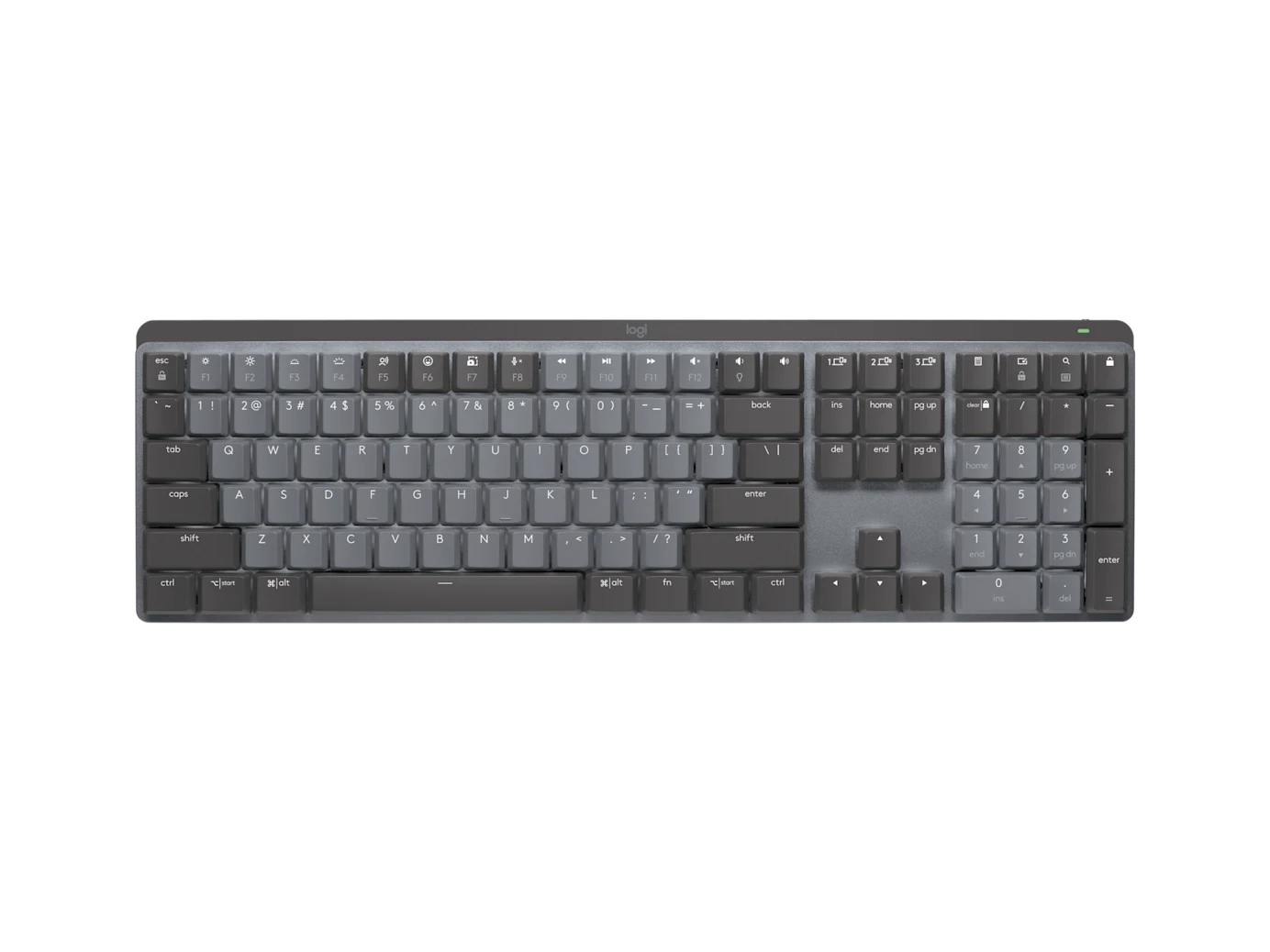
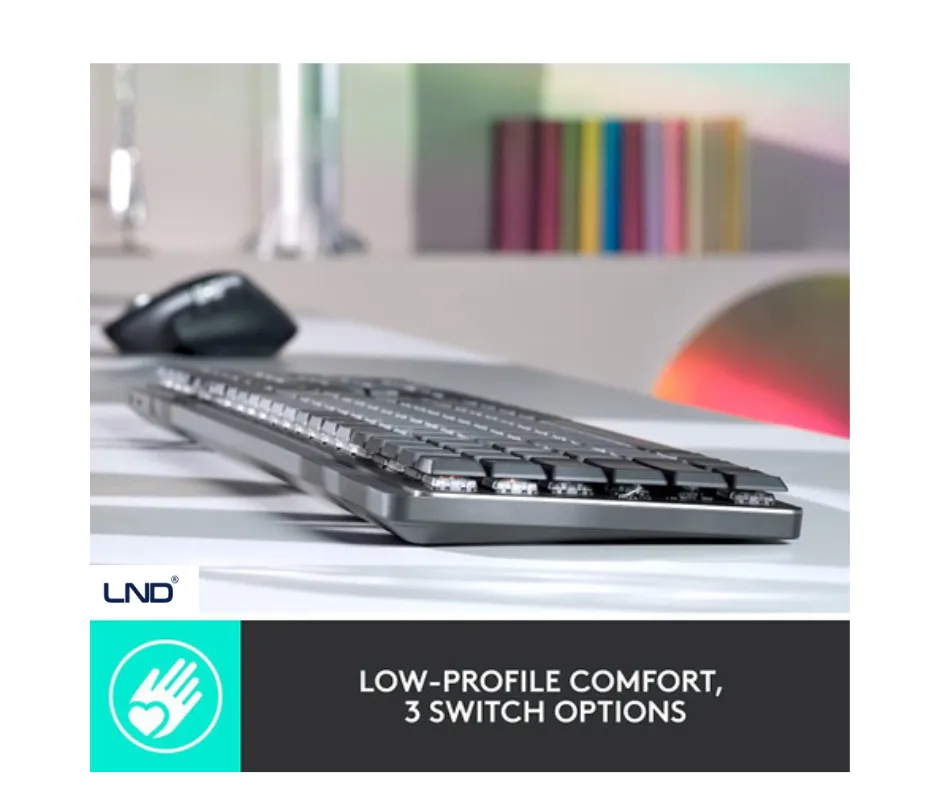
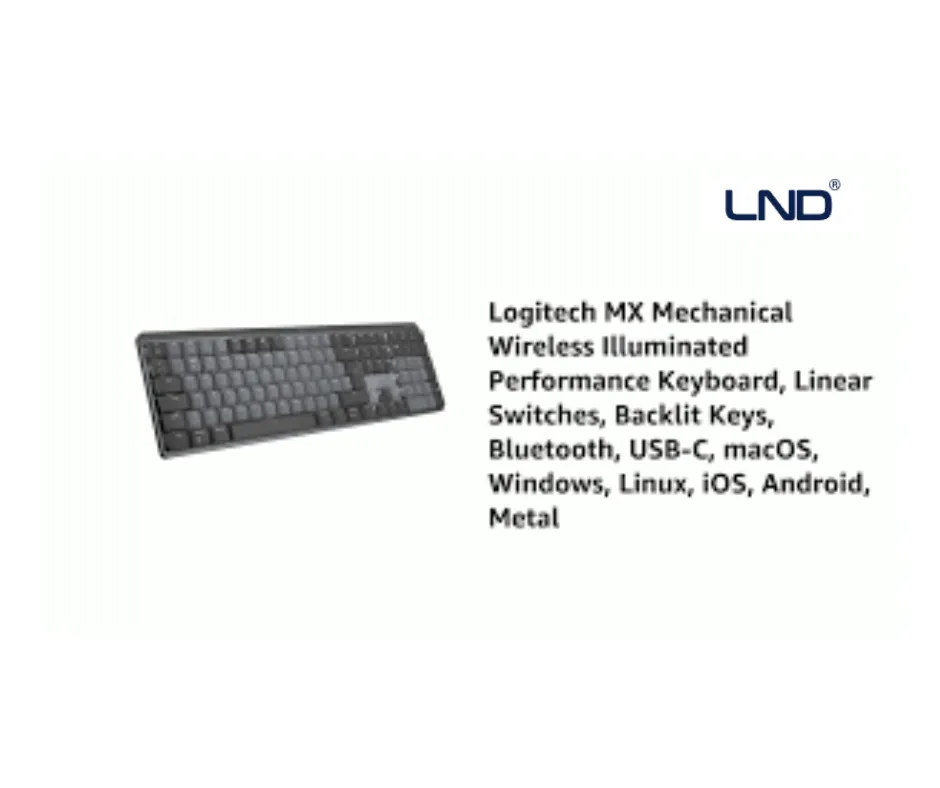
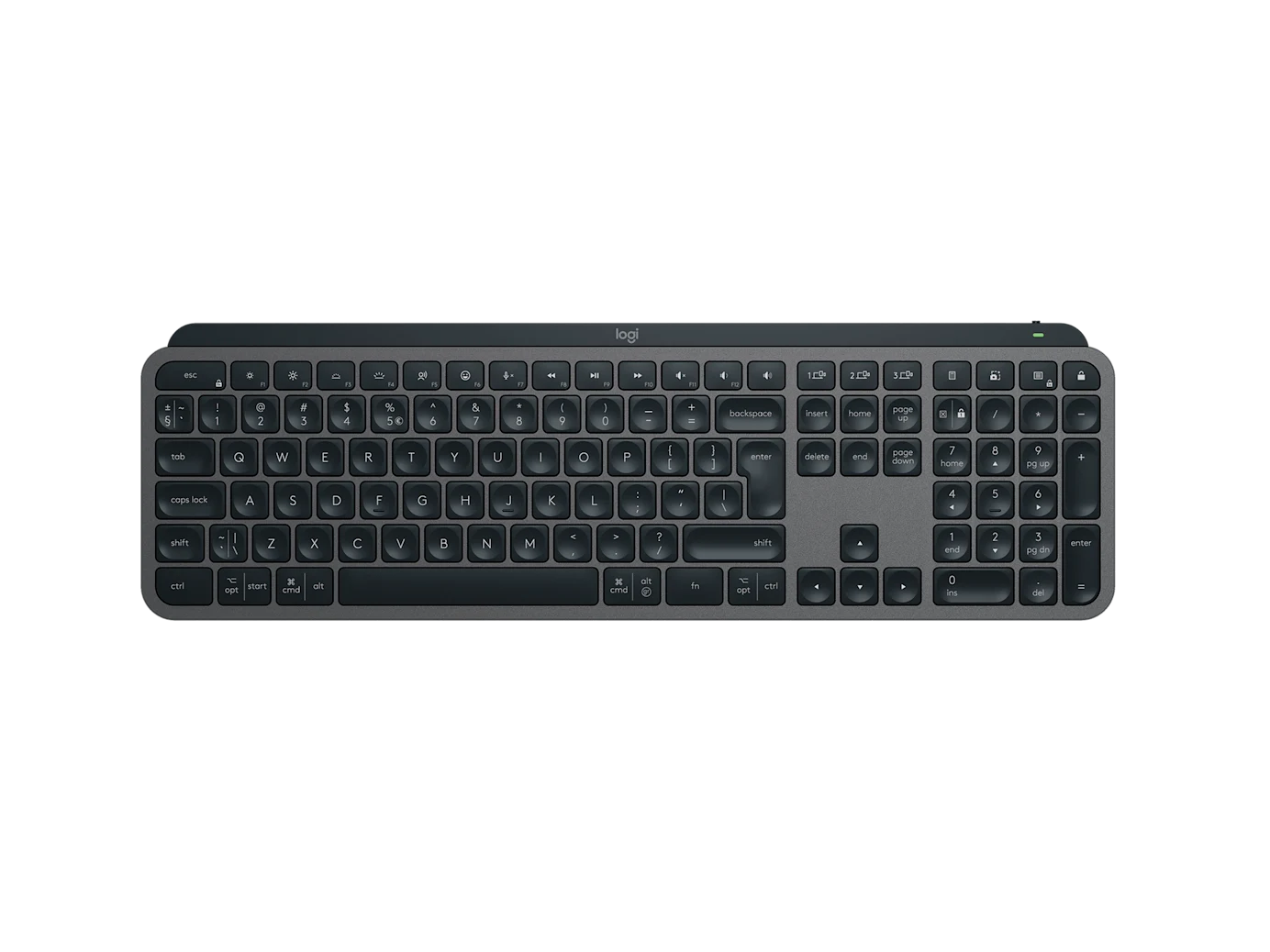
Wireless mechanical keyboard with low-profile tactile switches
Bluetooth & Logi Bolt connectivity for stable wireless performance
Multi-device support – connect up to 3 devices
Smart backlit keys with ambient light sensors
Rechargeable battery with USB-C charging
Premium aluminum build for durability
Compatible with Windows, macOS, Linux, iPadOS & ChromeOS
The Logitech MX Mechanical Wireless Keyboard (920-010929) is engineered for professionals who demand speed, precision, and comfort. Featuring low-profile mechanical switches, smart backlighting, and multi-device wireless connectivity, this keyboard delivers a premium typing experience across multiple platforms. Designed for modern workspaces, MX Mechanical connects seamlessly via Bluetooth Low Energy or Logi Bolt USB receiver, allowing you to switch between devices effortlessly. Its durable aluminum top plate, long-lasting rechargeable battery, and intelligent illumination make it the perfect choice for developers, designers, and power users.
Professional office and remote work
Software development & coding
Graphic design and creative workflows
Multi-device workstations
Business and enterprise environments
Plug in the Logi Bolt USB receiver or pair via Bluetooth
Download Logi Options+ software for customization
Fully charge using the included USB-C cable before extended use
USB-C cable is for charging only, not wired typing
Operating Systems: Windows, macOS, Linux, ChromeOS, iPadOS
Connectivity: Bluetooth Low Energy, Logi Bolt USB Receiver
Power: Rechargeable lithium battery (USB-C charging)
Devices Supported: Up to 3 simultaneously
The MX Mechanical is a premium wireless low-profile mechanical keyboard by Logitech, designed for professionals. It combines mechanical precision, smart backlit keys, and multi-device wireless connectivity for fast, accurate, and comfortable typing.
To pair the MX Mechanical using Bluetooth:
Turn on the keyboard.
Press and hold Easy-Switch key 1, 2, or 3 for 3 seconds until the LED blinks.
Enable Bluetooth on your device.
Select “MX Mechanical” from the available Bluetooth devices.
Confirm pairing if prompted.
The Logitech MX Mechanical is compatible with:
Windows
macOS
Linux
iPadOS
iOS
Android
To reset the MX Mechanical keyboard:
Turn off the keyboard.
Press and hold the Easy-Switch keys 1, 2, and 3 at the same time.
Turn the keyboard back on while holding the keys.
Release after 5 seconds — the keyboard is now reset.